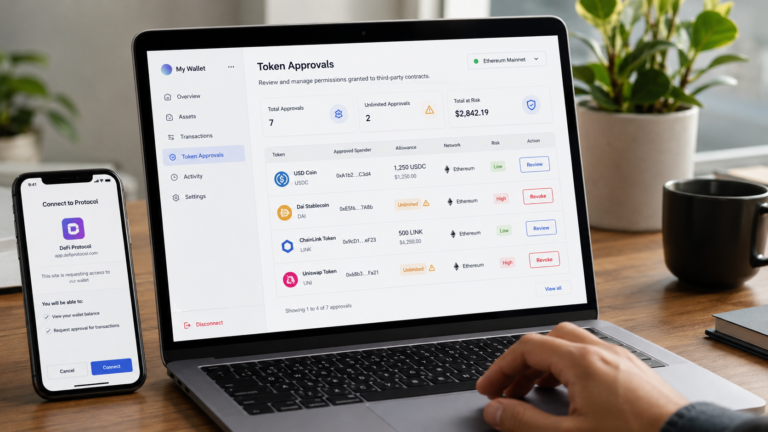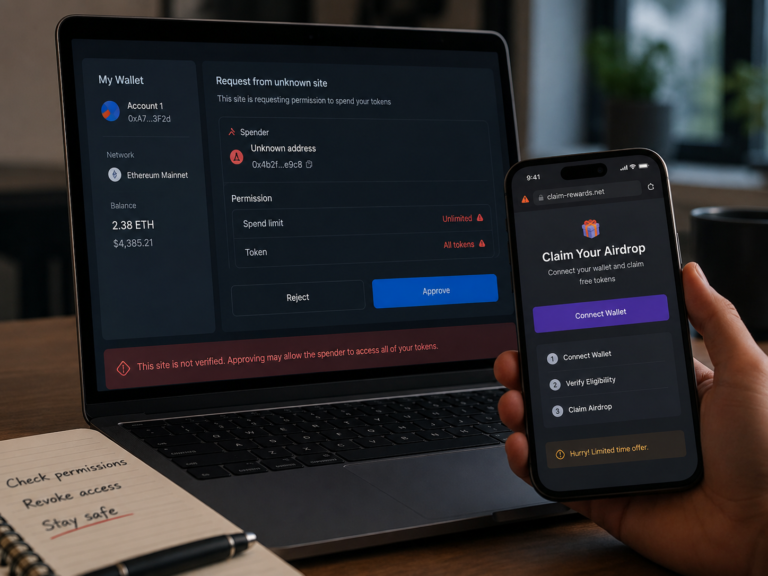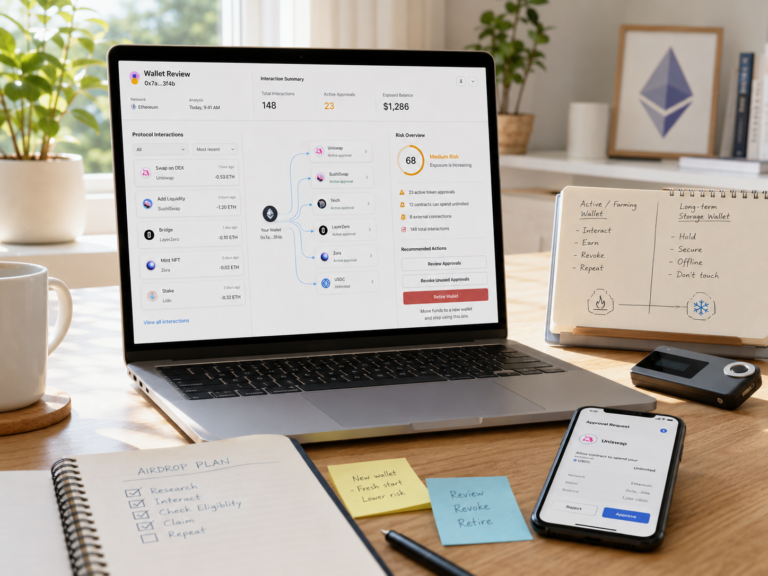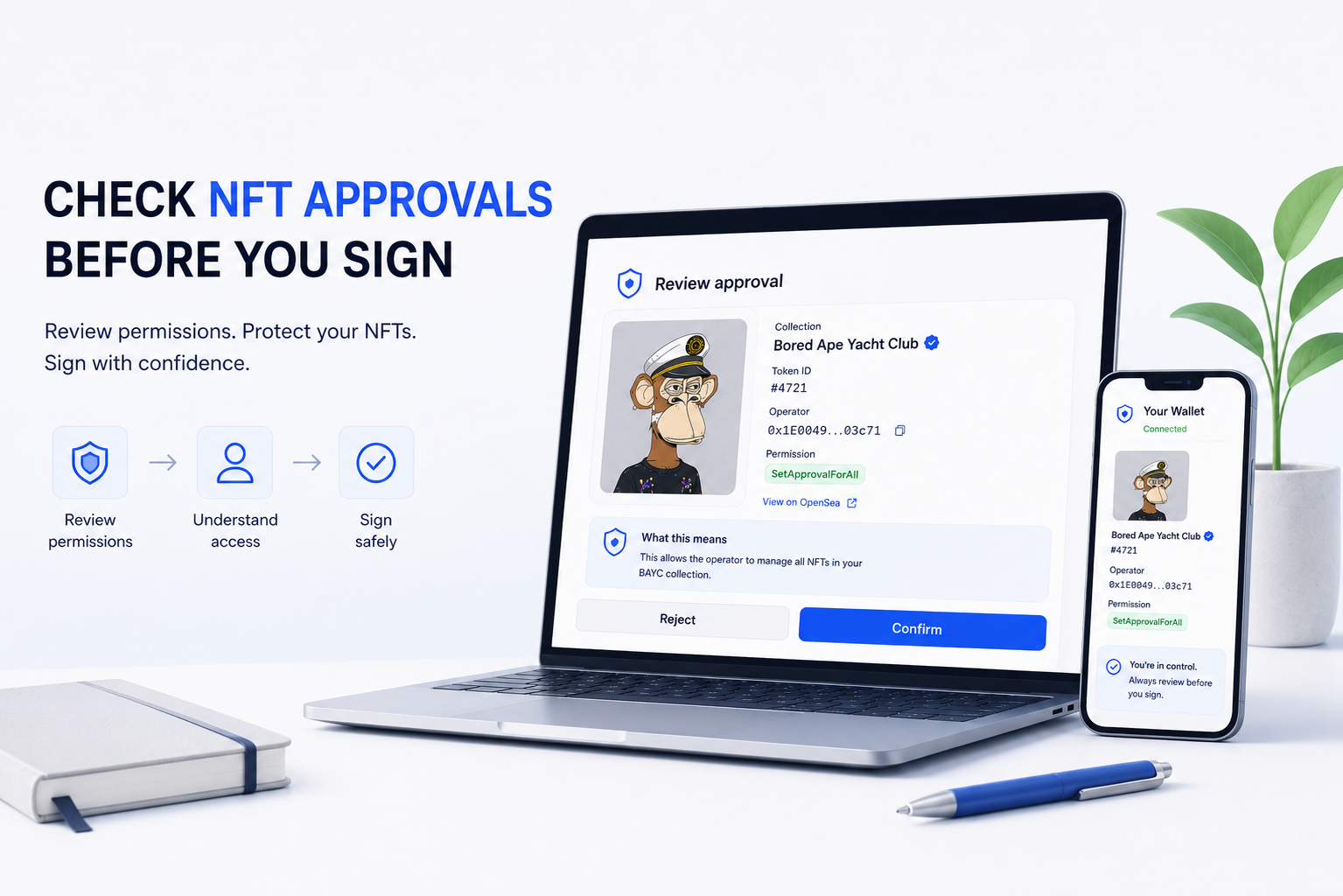
Learning how to revoke token approvals matters most after the DeFi interaction is already finished.
You may have approved USDC for a swap, granted a protocol access to a token before depositing it, or used a bridge that no longer needs permission to spend from your wallet. The transaction may be complete, but the approval can remain active on-chain.
Closing the dApp does not remove that permission. Disconnecting the wallet does not remove it either.
If the allowance remains active, the approved spender may still have permission to transfer some or all of that token later. The practical question is therefore not only whether a DeFi transaction succeeded, but whether the permission that enabled it is still necessary.
Revocation is how you close that permission when you no longer need it.
What Happens When You Revoke Token Approvals?
An ERC-20 approval gives a spender permission to use a specified amount of a token from your wallet.
At the contract level, the relationship has three important elements:
Owner: your wallet.
Spender: the address authorized to use the token.
Allowance: the amount the spender is authorized to use.
For example, suppose your wallet grants a DeFi router permission to spend 5,000 USDC. If you use only 1,000 USDC and the remaining allowance stays active, the spender may retain permission over the unused amount.
Revoking the ERC-20 approval normally means changing that allowance to zero.
The token does not leave your wallet during the revocation. Instead, the permission stored by the token contract changes.
Before revocation:
Allowance > 0
After successful revocation:
Allowance = 0
That difference is what you should verify after the transaction confirms.
Revoking Is Not the Same as Disconnecting a dApp
This distinction is one of the most important parts of DeFi wallet security.
Disconnecting a wallet usually removes the website’s active connection to your wallet interface. It can stop the application from immediately reading certain wallet information or requesting new interactions through that connection.
It does not rewrite the token contract’s existing allowance.
If you previously granted a smart contract permission to spend USDC, closing the browser tab or disconnecting MetaMask does not cancel that permission.
Revocation requires an on-chain change to the approval itself.
That is why BlockCodex’s earlier guide on how to check token approvals before using DeFi focuses on understanding permissions before interaction, while this guide addresses a different stage of the process: removing permissions after they have already been granted.
When Should You Revoke a DeFi Approval?
Not every approval needs to be revoked immediately after every transaction.
Approvals exist because repeatedly granting permission adds friction and, on networks where approval requires an on-chain transaction, additional gas costs. A frequently used protocol with a deliberately limited allowance can therefore justify keeping some permission active.
The risk changes when the approval is no longer useful.
Revocation deserves stronger consideration when you have finished using a protocol, interacted with a one-time claim or bridge, granted a very large or unlimited allowance, no longer trust the application, cannot confidently identify the spender, or accidentally approved something from a suspicious website.
The question is better framed as exposure versus convenience.
If keeping an approval provides little practical benefit, leaving unnecessary spending authority active usually creates risk without giving you much in return.
How to Revoke Token Approvals With Revoke.cash
Revoke.cash provides a practical way to inspect existing permissions across supported networks and submit revocation transactions.
You do not necessarily need to connect your wallet just to inspect an address. A public wallet address can be searched first, allowing you to review what appears before deciding whether to sign anything.
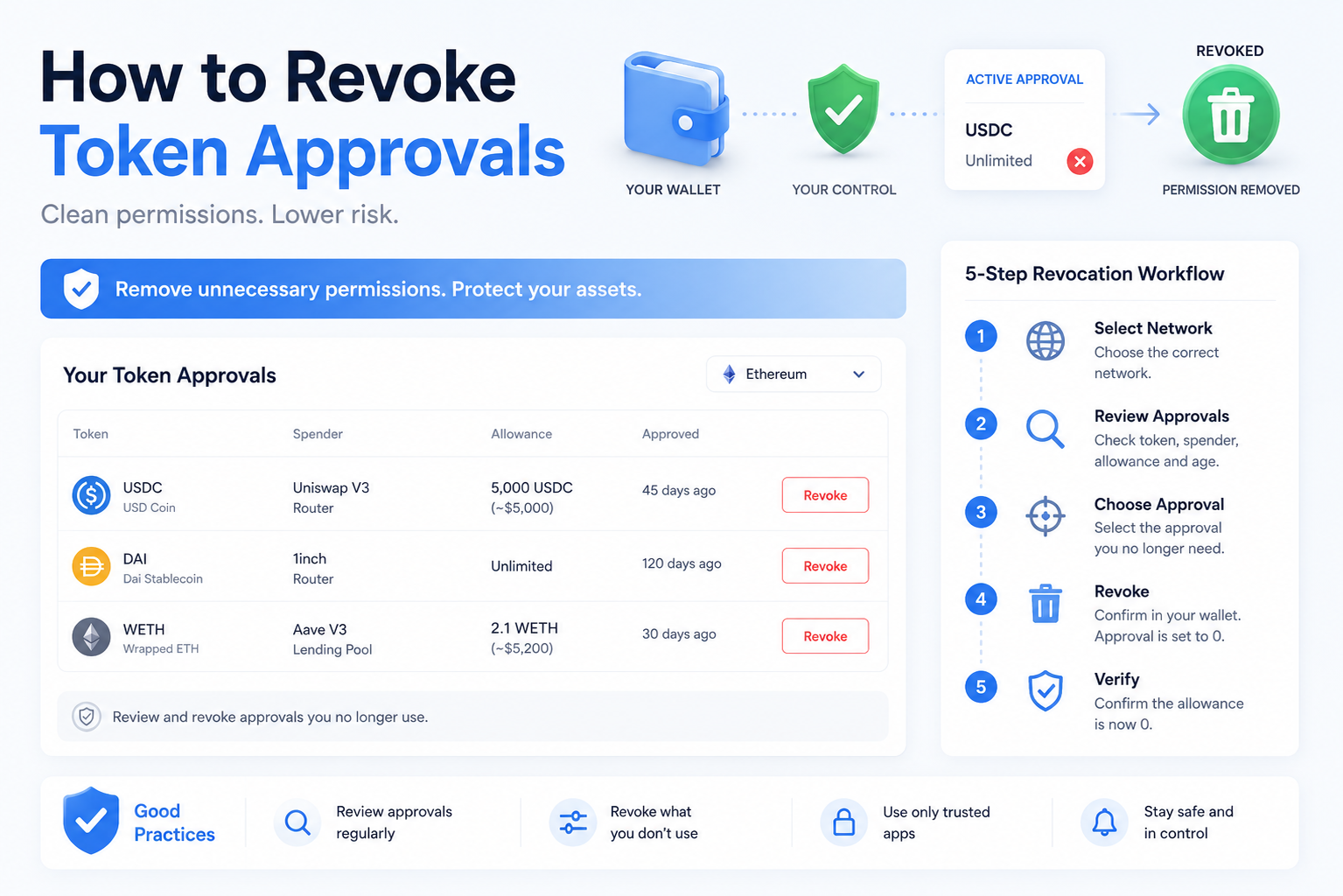
Step 1: Use the Correct Network
Approvals are network-specific.
An Ethereum approval does not automatically grant the same spender access to tokens on Base, Arbitrum or Polygon. If you use the same wallet across several networks, review each one separately.
Select the chain where the original DeFi interaction occurred.
Step 2: Inspect the Approval List
The useful fields are not simply the token names.
Look at:
| Field | What to Check |
|---|---|
| Token | Which asset is exposed? |
| Spender | Which address has permission? |
| Allowance | How much can it spend? |
| Approval age | Is the permission still relevant? |
| Network | Where does the approval exist? |
The spender deserves particular attention.
A familiar token such as USDC does not make an approval safe. The security question is which contract or address has authority over that USDC.
Step 3: Identify the Permission You No Longer Need
Do not revoke blindly just because an approval is old.
First determine what the spender belongs to and whether you still need it for an active DeFi workflow.
An old permission for a protocol you stopped using months ago is a different case from an allowance required by a position you actively manage.
The aim is not to create a wallet with zero approvals at all times.
The aim is to remove permissions that no longer justify their exposure.
Step 4: Click Revoke and Read the Wallet Prompt
Revoke.cash creates a transaction designed to remove the selected approval.
For a standard ERC-20 approval, you should expect the permission to be changed to zero. Read the wallet prompt before signing and confirm that the token and spender correspond to the approval you intended to remove.
Do not treat the word “Approve” appearing inside a wallet interface as proof that Revoke.cash is granting a new permission. ERC-20 revocation uses the same approval mechanism, but changes the allowance value to zero.
The amount is what matters.
Step 5: Confirm the Transaction
The revocation only becomes effective once the transaction is successfully included on-chain.
A wallet notification saying that the transaction was submitted is not the final proof.
Wait for confirmation.
Then verify the resulting state.
How to Verify That the Approval Was Actually Revoked
This is the step that turns a UI action into verifiable on-chain evidence.
After the transaction confirms, refresh the approval checker. The spender should either disappear from the active approval list or show an allowance of zero, depending on the interface.
For a deeper check, open the transaction on the relevant block explorer.
For a standard ERC-20 token, examine the Approval event and identify:
Owner
Spender
Value
The important part after revocation is the value.
If the same owner-spender relationship now has an allowance of zero, the previous spending permission has been removed.
This is stronger evidence than relying only on a green “success” message from the website because you are verifying the resulting blockchain state.
BlockCodex On-Chain Check: What an Allowance Reset Actually Looks Like
A public Ethereum transaction provides a useful demonstration of the mechanism.
Transaction hash:
0x16ecff334b7cfc67ff3a20512b8d61915e45ac975dbaf6a7478dc21f9667c458
The transaction occurred on October 7, 2025 and involved a USDC-to-ETH swap routed through DeFi infrastructure.
The interesting part for this article is not the trade itself. It is what appears in the USDC Approval events.
During the transaction, the logs show the following relationship:
| Stage | USDC Allowance |
| Permission established | 674.654009 USDC |
| Tokens used by the transaction | 674.654009 USDC |
| Final approval event | 0 USDC |
The same owner-spender pair first receives an allowance matching the USDC amount being used and later emits another Approval event with a value of zero.
This is not a manual Revoke.cash transaction from an individual investor. It is useful because it exposes the underlying ERC-20 mechanism directly on-chain: an active allowance exists, then the allowance is reset to zero.
That final zero is the state you are trying to verify after manually revoking an ERC-20 approval.
The interface may say “revoked.”
The blockchain tells you whether the spending allowance actually became zero.
Why Revoking an Approval Costs Gas
Revocation changes blockchain state.
That means a standard on-chain ERC-20 revocation requires a transaction and therefore requires the network’s native asset to pay gas.
On Ethereum, that means ETH.
On another EVM network, the required gas asset depends on the chain.
There is no useful fixed dollar price for revocation because the cost depends on current network conditions and the transaction being executed. A quiet Ethereum period can make the operation inexpensive, while higher congestion can make the same type of state change cost more.
This also means that several old approvals may require several transactions if they are revoked individually.
Before beginning a wallet cleanup, make sure the wallet contains enough native gas token to complete the revocations you actually want to perform.
Do Not Add ETH to a Wallet With a Compromised Seed Phrase Just to Revoke
There is an important exception.
If the problem is only a risky token approval, revocation can remove that specific permission.
If the private key or seed phrase itself has been compromised, the threat model is completely different.
An attacker who controls the private key does not need an old DeFi approval to move assets. They can authorize transactions directly.
In that situation, repeatedly funding the wallet with ETH simply to pay for revocation can expose the newly added ETH as well.
Approval cleanup is not a substitute for abandoning credentials that are already compromised.
This distinction is why approval management should sit inside a broader crypto security stack rather than being treated as a complete wallet security solution.
What Happens to Tokens Already Deposited in DeFi?
Revoking a token approval does not normally withdraw assets that are already deposited in a protocol.
Consider a simplified lending example.
You approve USDC.
You deposit 2,000 USDC.
The protocol now holds or accounts for the deposited position according to its own contracts.
You later revoke the unused token allowance from your wallet.
The revocation changes the protocol’s ability to pull additional approved USDC from your wallet. It does not automatically reverse the earlier deposit.
However, future actions may require another approval.
If you later want to deposit more of that token, the application may ask you to grant permission again.
This is why revocation is best understood as removing future spending authority rather than undoing previous DeFi transactions.
Unlimited Approvals Deserve More Attention
Some applications request an allowance much larger than the amount required for one transaction.
The reason is convenience. If the permission stays active, the user can interact again without submitting another approval transaction.
The security trade-off is that more of the token can remain exposed to that spender.
Suppose your wallet contains 500 USDC today but an approved contract has an effectively unlimited allowance. If you later receive another 10,000 USDC in the same wallet, the approval may still be relevant to that larger future balance.
That is why looking only at today’s token balance understates permission risk.
The allowance tells you what the spender is authorized to access, not simply what it can take at this exact second.
Reducing or removing obsolete unlimited approvals is therefore one of the clearest use cases for post-DeFi revocation.
What Revocation Cannot Protect You From
Approval revocation has a narrow but important purpose.
It can remove an existing spending permission.
It cannot recover assets already stolen. It cannot reverse a completed transaction. It cannot repair a leaked seed phrase, remove malware from a device or make a malicious wallet safe again.
It also does not eliminate smart contract risk from assets you have already deposited into a protocol.
Understanding that boundary prevents a useful security action from becoming false reassurance.
For the same reason, learning to check token transfers on Etherscan remains useful after suspicious activity. Approvals show permissions; transfers show what actually moved.
They answer different questions.
A Better Post-DeFi Approval Routine
The most practical time to manage approvals is when the interaction is still fresh in your memory.
After using a new protocol, ask three questions.
Do I expect to use this spender again soon?
How much permission remains?
What happens if this spender becomes unsafe later?
If the approval is unnecessary, revoke it and verify the new allowance rather than merely disconnecting the wallet.
For active DeFi users, this creates a much cleaner workflow than waiting months and later trying to identify dozens of forgotten spender addresses.
The objective is not constant revocation for its own sake.
It is permission minimization.
Keep the access you intentionally need and remove the access you no longer have a reason to maintain.
Final Thoughts
Knowing how to revoke token approvals closes a security gap that appears after many normal DeFi interactions.
The swap, bridge or deposit may already be finished, yet the permission created for that action can remain active. Disconnecting the wallet does not remove it, and forgetting the approval does not make it disappear.
A stronger process is simple: inspect the allowance, identify the spender, revoke permissions that no longer serve a purpose, wait for the transaction to confirm and verify on-chain that the resulting allowance is zero.
The public USDC transaction examined above shows exactly what that final state looks like. A non-zero approval appears first, followed by an Approval event that resets the allowance to zero.
That is the important difference between assuming a permission is gone and verifying that it is gone.
In DeFi, wallet security does not end when the transaction succeeds.
It also includes deciding which permissions should survive after it.