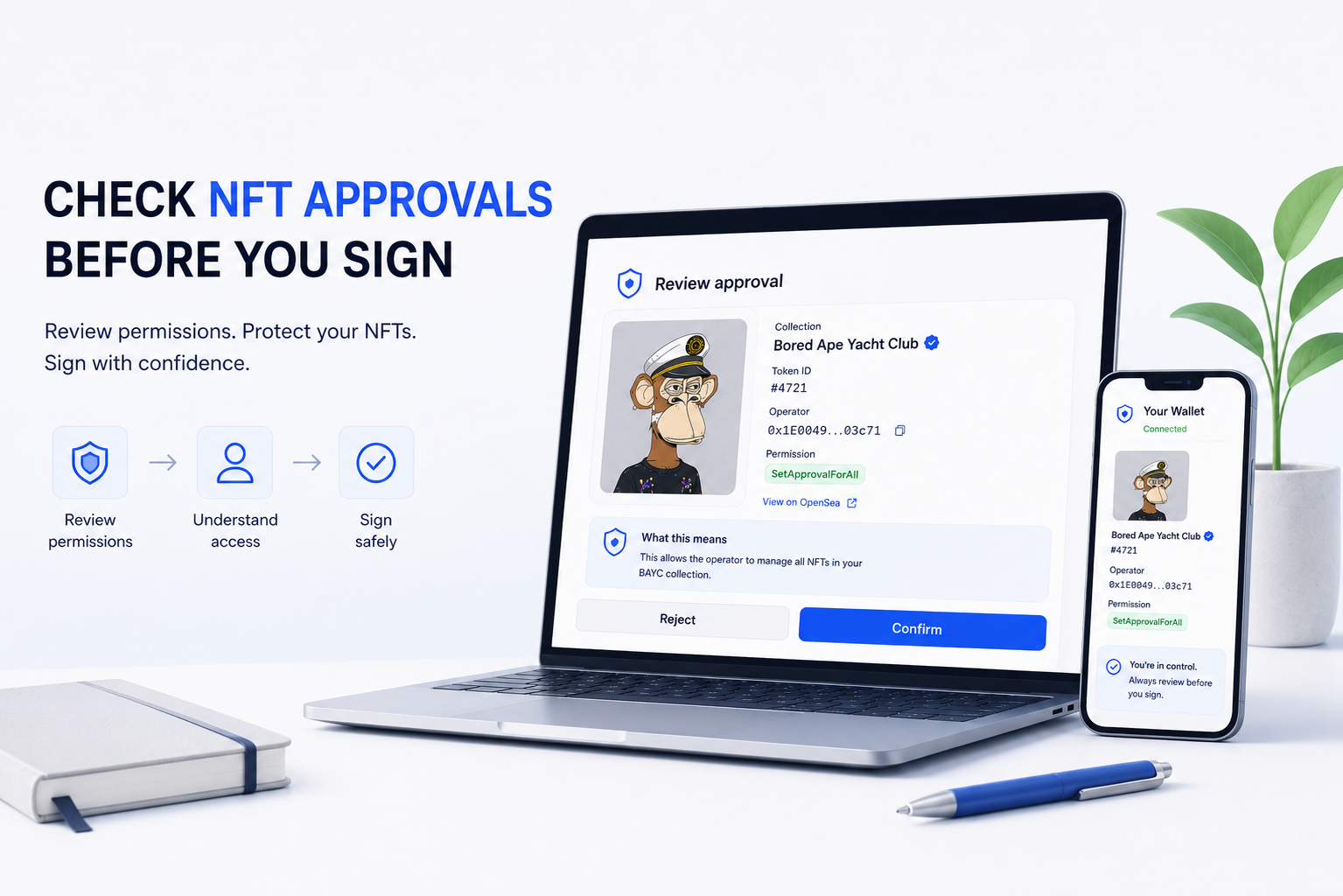
Learning how to check NFT approvals before signing a marketplace transaction starts with understanding the permission you are actually granting.
A marketplace may need authorization to transfer an NFT when a sale executes. That is normal. The problem is that two approval requests that look similar can have very different scopes: one may authorize a specific NFT, while another can authorize an operator to manage every NFT you own from the same collection.
That difference is easy to miss when the wallet prompt appears seconds before a listing or sale.
The safest question is therefore not simply “Is this marketplace legitimate?” It is “Which contract am I approving, which operator receives permission, and how much of my collection does that permission cover?”
Check NFT Approvals by Looking at Scope First
For ERC-721 NFTs, there are two approval mechanisms worth separating.
| Approval Type | Typical Function | Scope |
|---|---|---|
| Single-token approval | approve(address, tokenId) | One specific NFT |
| Operator approval | setApprovalForAll(operator, true) | All NFTs owned by the wallet under that collection contract |
The difference is substantial.
If you approve an operator for token #4721, the permission concerns that specific NFT. If you call setApprovalForAll, the operator receives authority over all NFTs your wallet owns under that ERC-721 contract while the approval remains active.
That does not make operator approvals malicious. NFT marketplaces use them because they allow approved marketplace infrastructure to execute transfers without requiring a separate on-chain approval for every NFT.
But the wider scope means you should understand the permission before signing it.
Single-Token Approval vs Operator Approval
A single-token ERC-721 approval is relatively narrow.
Suppose your wallet owns three NFTs from the same collection:
Token #101
Token #205
Token #740
If you approve a marketplace operator specifically for token #205, the permission does not automatically extend to #101 and #740.
An operator approval behaves differently.
Calling setApprovalForAll(operator, true) tells the collection contract that the operator is authorized to manage the owner’s NFTs from that contract. If the wallet owns several NFTs from the collection, the approval is not restricted to the one you happen to be listing.
That is why the function name matters.
Before signing, seeing approve and seeing setApprovalForAll should trigger two different questions.
For approve, ask which token ID is being authorized.
For setApprovalForAll, ask which operator receives collection-level authority and whether that scope is actually expected for the marketplace workflow.
ERC-1155 Approvals Work Differently Again
ERC-1155 is commonly used for collections where one contract can represent multiple token IDs and quantities.
Its standard operator model uses setApprovalForAll.
Unlike ERC-721, the standard ERC-1155 interface does not provide the same standard single-token approve(address, tokenId) mechanism. An operator approval can therefore authorize management of the owner’s token holdings governed by that ERC-1155 contract.
This makes the operator address especially important.
If the wallet prompt asks you to approve an operator for an ERC-1155 collection, do not interpret that request as permission for only the NFT currently visible on the marketplace page.
Verify the actual scope.
What setApprovalForAll Really Means
The function is worth recognizing visually:
setApprovalForAll(operator, true)
The first value identifies the operator.
The second determines whether the permission is enabled.
true enables the operator.
false disables it.
The function does not transfer an NFT when you sign it. It changes the permission state recorded by the NFT contract.
That distinction matters because your wallet balance can remain completely unchanged after a potentially important approval.
No NFT has necessarily moved.
A permission has changed.
This is one reason approval risk can be less obvious than transfer risk. A suspicious transfer is visible immediately in the wallet balance, while a risky operator permission may remain unnoticed until it is later used.
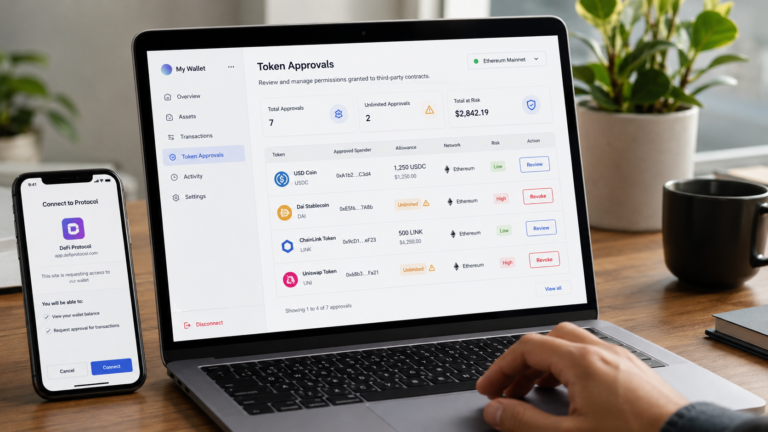
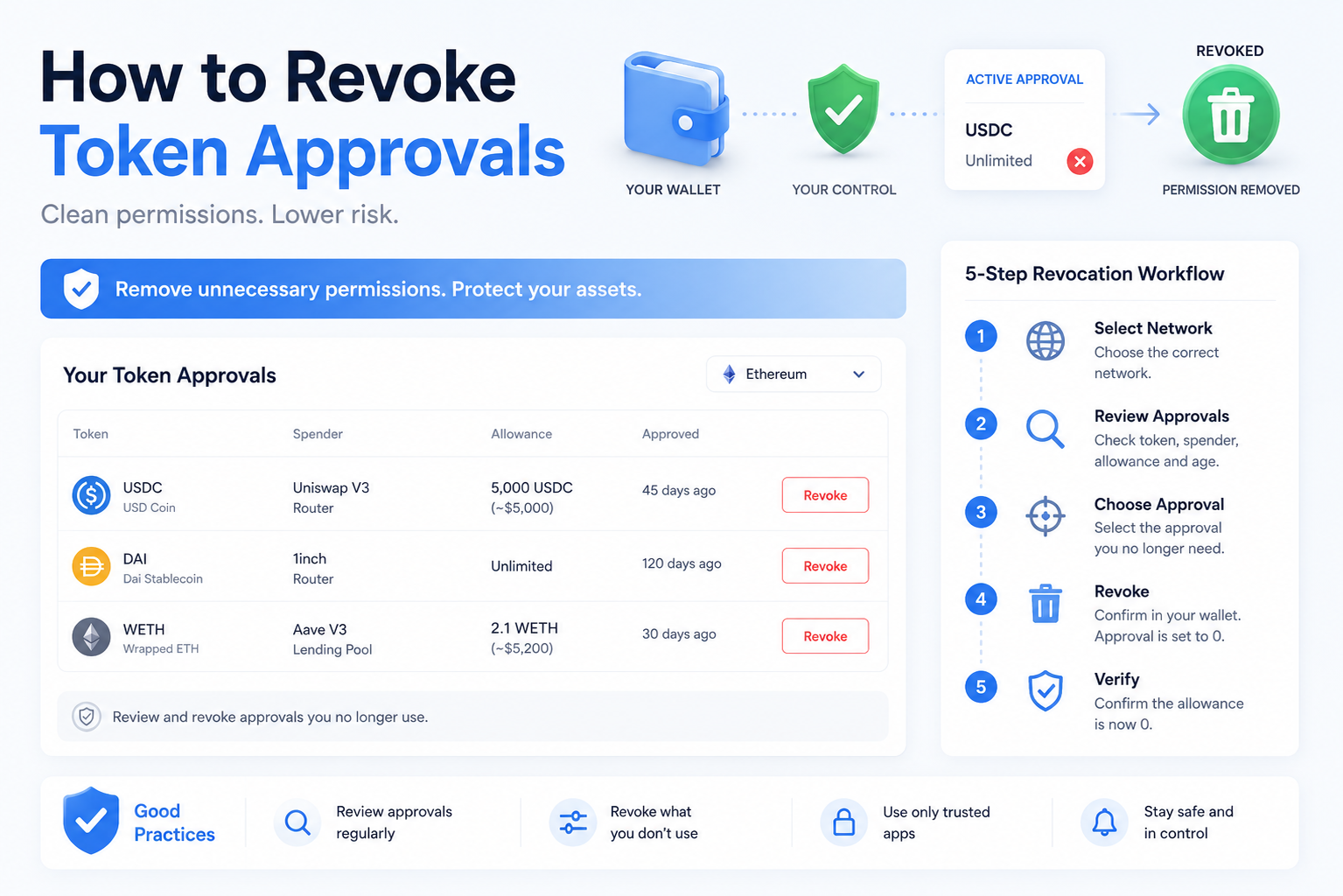
For a broader introduction to permission risk, see How to Check Token Approvals Before Using DeFi.
BlockCodex On-Chain Check: A Real BAYC Marketplace Approval
A public Ethereum transaction from May 4, 2026 provides a useful example of what an NFT operator approval actually looks like.
Transaction hash:
0x22113d209e265b722f035703841ba851493b5cf64f247c9c9218fe9abf5dea40
The transaction interacted directly with the Bored Ape Yacht Club ERC-721 contract.
Etherscan summarizes the action as an approval involving a BAYC NFT for trading through an OpenSea conduit. That description gives useful context, but the decoded input reveals the part that matters most for permission analysis.
The function is:
setApprovalForAll(address operator, bool approved)
The operator is:
0x1E0049783F008A0085193E00003D00cd54003c71
And the approval value is:
true
This is the key observation.
The blockchain call is not a single-token approve instruction. It is an operator-level setApprovalForAll instruction.
What the Example Proves
The transaction demonstrates why reading only the marketplace interface or a short explorer summary is not enough.
A user may think about the action in terms of one NFT being prepared for sale. The contract, however, records an operator permission at the collection level.
That difference does not mean the transaction was unsafe. Etherscan identifies the operator in this case as OpenSea conduit infrastructure.
What matters is the analytical habit: identify the function first, then determine the operator and scope.
The correct conclusion is not “setApprovalForAll is dangerous.”
It is: “setApprovalForAll grants broader authority than a single-token approval, so the operator must be verified before signing.”
What to Check Before Signing an NFT Approval
When a marketplace requests an approval, begin with the NFT contract itself.
Does the contract address correspond to the collection you intended to interact with? A familiar collection name displayed by a website is not enough if the underlying contract is different.
Then identify the function.
If the transaction uses approve, inspect the token ID and approved address. If it uses setApprovalForAll, focus on the operator address and understand that the permission is broader.
Next, compare the operator with the infrastructure you expected to use. A marketplace approval should not unexpectedly authorize an unrelated address.
Finally, make sure the requested action matches what you were trying to do.
If you are simply viewing an NFT, receiving an airdrop, checking eligibility or performing an action that should not require marketplace transfer authority, an unexpected operator approval deserves scrutiny.
The objective is not to memorize every contract address. It is to detect when the permission does not fit the action.
Do Not Trust the Website Name Alone
A malicious page can imitate the branding of a legitimate marketplace.
The logo, collection artwork and button design are not on-chain evidence.
What ultimately matters is the transaction your wallet is being asked to authorize.
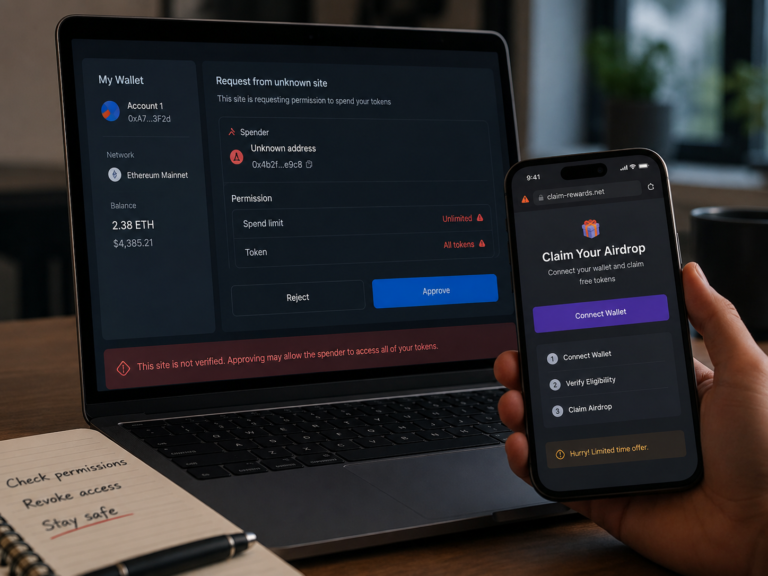
A fake marketplace can present itself as OpenSea while requesting an approval for an attacker-controlled operator. If the user focuses only on the website appearance and ignores the address receiving permission, the wallet can authorize exactly what the attacker needs.
This is one of the mechanisms that makes a wallet drainer in crypto dangerous. The wallet and blockchain may function correctly; the damaging part is the permission the user was convinced to authorize.
Treat the wallet prompt as the final security boundary, not as a confirmation screen you automatically click through.
NFT Approval Is Not the Same as a Marketplace Listing Signature
Another source of confusion is the difference between an on-chain approval and a marketplace signature.
An approval such as setApprovalForAll changes contract state on-chain and normally requires a blockchain transaction.
A marketplace may separately ask you to sign an order or listing message. That signature can authorize the terms under which a marketplace order may later execute, depending on the protocol being used.
The two actions serve different purposes.
The approval establishes whether the marketplace infrastructure has transfer authority.
The listing or order signature establishes the marketplace instruction under which that authority may be used.
Seeing a normal marketplace signature does not mean you should ignore the underlying NFT approval, and having a legitimate operator approval does not make every future signature safe.
Both layers need to match your intended action.
How to Read an NFT Approval on Etherscan
When an NFT approval transaction is available on Etherscan, three areas deserve attention.
1. The Contract
The transaction should interact with the expected NFT collection contract.
In the BAYC example, the destination is the verified Bored Ape Yacht Club token contract.
2. The Function
Look for either a token-specific approval or an operator-level function.
If you see:
setApprovalForAll
you immediately know the transaction is broader than a normal single-token approval.
3. The Decoded Parameters
For an operator approval, identify:
operator
and:
approved
If approved = true, the operator is being enabled.
If approved = false, the operator is being disabled.
This is one of the simplest ways to move from “the marketplace says this is an approval” to independently understanding what the blockchain will record.
Why ApprovalForAll Deserves More Attention Than the NFT Price
NFT users naturally focus on asset value.
A high-value NFT feels risky. A low-value NFT feels less important.
Permissions do not always follow that logic.
Suppose a wallet is listing a relatively inexpensive NFT from a collection but signs setApprovalForAll for an unexpected operator. The important exposure is not necessarily the NFT being listed at that moment. The operator permission concerns the wallet’s NFTs governed by that collection contract.
This means approval scope should be evaluated separately from transaction value.
A zero-ETH approval transaction can still be security-critical.
No money needs to leave the wallet for an important permission change to occur.
What an NFT Approval Does Not Authorize
It is also important not to exaggerate the risk.
An ERC-721 operator approval for one collection does not automatically give the operator access to every asset in the wallet.
For example, approving an operator through the BAYC contract does not by itself authorize that operator to transfer your USDC, ETH or NFTs from completely unrelated collection contracts.
The permission is defined within the relevant NFT contract.
This is why precise language matters.
“Full wallet access” would be inaccurate.
“Operator authority over NFTs owned under this collection contract” describes the permission much better.
Understanding the boundary makes it easier to recognize both genuine risk and exaggerated security warnings.
Should You Avoid setApprovalForAll Completely?
Not necessarily.
Operator approvals exist because marketplaces need practical mechanisms for transferring assets when orders execute. Refusing every operator approval would make many normal NFT marketplace workflows difficult or impossible.
The safer approach is not to reject the function automatically.
Verify the context.
A broad permission to a known marketplace operator while intentionally listing NFTs is fundamentally different from the same permission appearing unexpectedly on a fake mint, claim or giveaway page.
Function + operator + context is the useful combination.
The function tells you the scope.
The operator tells you who receives authority.
The context tells you whether that authority makes sense.
What to Do If the Operator Is Unclear
Do not sign first and investigate later.
Copy the operator address and verify its attribution independently. Check whether the transaction is interacting with the real collection contract and whether the marketplace’s expected infrastructure matches what the wallet is showing.
If the operator remains unidentified or the permission seems broader than the action requires, cancelling the request costs nothing.
You can investigate and return later.
Signing is the irreversible part.
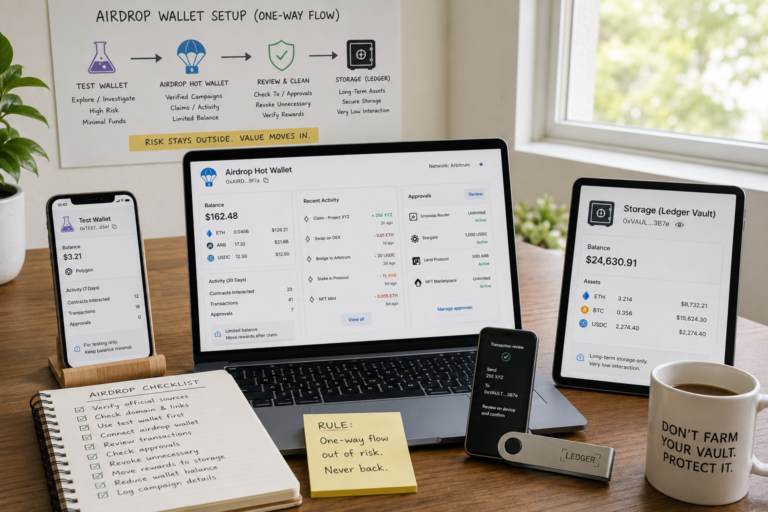
This is also where wallet separation in crypto becomes useful. A wallet used for marketplace activity should not necessarily expose the same portfolio that stores long-term assets or participates in unrelated high-risk dApps.
Separation cannot make a bad approval safe, but it can limit how much one mistake exposes.
A Practical NFT Marketplace Approval Workflow
Before approving an NFT marketplace transaction, use the same sequence every time.
First, confirm the collection contract. Then identify whether the requested permission is token-specific or operator-wide.
If it is setApprovalForAll, verify the operator rather than assuming the marketplace interface is telling the full story.
Confirm that the permission fits the action you intended to perform. Listing an NFT on a marketplace can reasonably involve transfer authorization. Checking an airdrop balance or visiting a gallery usually gives you less reason to expect one.
Finally, read the transaction one more time before signing.
The process takes much less time than recovering from an approval given to the wrong operator.
Final Thoughts
Knowing how to check NFT approvals before signing is less about recognizing dangerous-looking transactions and more about understanding permission scope.
For ERC-721 NFTs, a single-token approval and setApprovalForAll are materially different. One authorizes an address for a specific NFT, while the other can authorize an operator across the NFTs your wallet owns under the collection contract.
ERC-1155 makes operator permissions even more important because its standard approval model relies on setApprovalForAll.
The real BAYC transaction examined above shows why this distinction matters. The user-facing action involved preparing an NFT for marketplace trading, but the decoded blockchain call reveals the underlying mechanism: an OpenSea conduit was granted operator approval through setApprovalForAll.
That is not evidence that marketplaces should be avoided.
It is evidence that users should know what they are signing.
Check the contract. Identify the function. Verify the operator. Understand the scope.
Only then sign.